
Simahi CRM: A workflow-first system for Canadian agents
Use CRM to stop losing quotes, automate follow-up, document compliance steps, and run renewals on time — across Travel, Visitor and Life insurance.
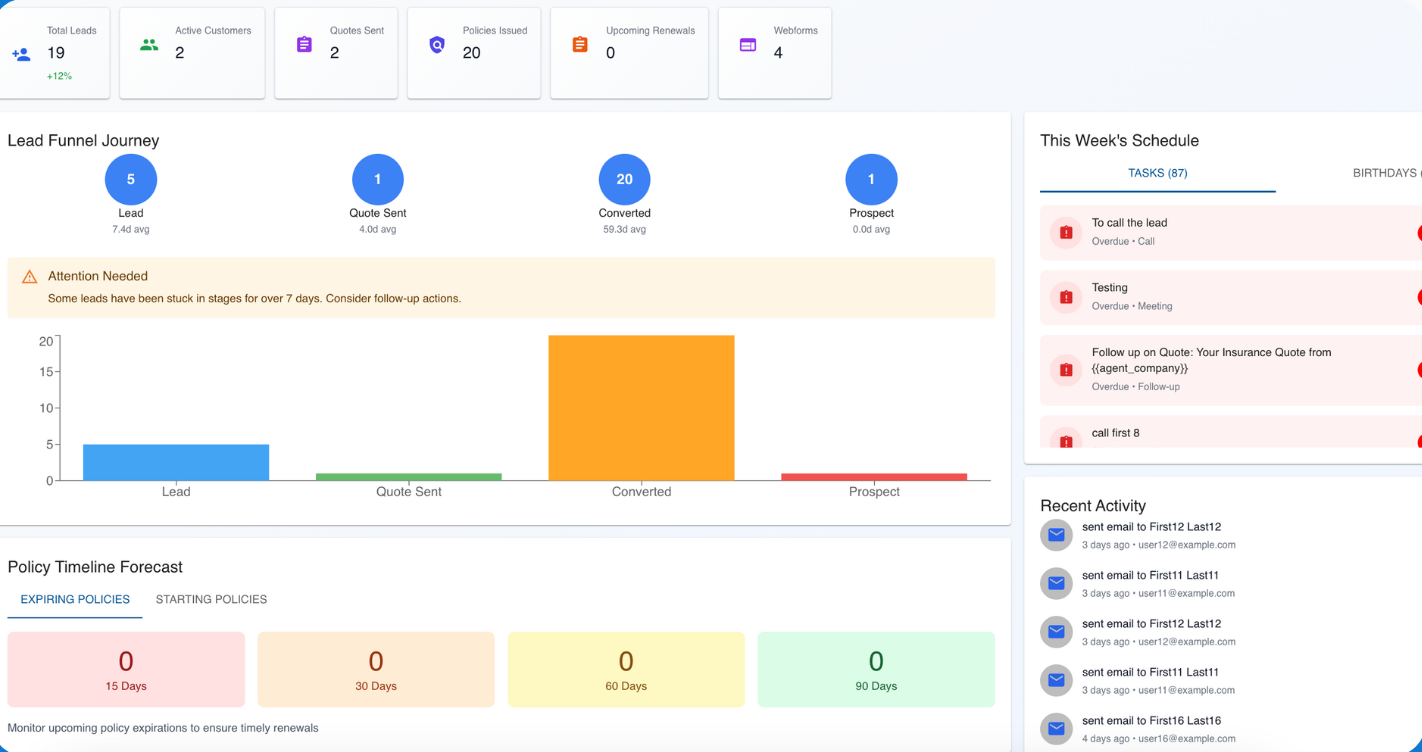
Recommended pipeline stages
Use stages that match real insurance work and force action. If you can’t define the next step, the stage shouldn’t change.
| Stage | When to move into it | What must be true |
|---|---|---|
| New Lead | New inquiry captured | First contact task scheduled |
| Contacted | First call/email completed | Needs info recorded |
| Quoted | Quote sent | Follow-up task at 48–72 hours |
| Follow-Up | Working objections/decision | Notes updated + next step scheduled |
| Bound | Policy placed | Compliance checkpoint complete + renewal date set |
| Renewal | Retention window started | 90/60/30 reminders created |
Daily routine (10–20 minutes)
Most agents don’t need more leads — they need a consistent daily routine that prevents leakage.
- Open “Tasks due today” and work top-to-bottom
- Respond to new leads within 24 hours
- When you send a quote, schedule the follow-up before you close the task
- Record outcomes (bound / lost / follow-up)
- Set renewal timeline immediately after binding
Get the Free CRM Starter Pack
Templates + workflows for Travel, Visitor & Life insurance. Paste your Brevo HTML embed here (one form per page; two on homepage).
Pro tip
If you only implement one thing this week, implement “No quote leaves without a scheduled follow-up task.”
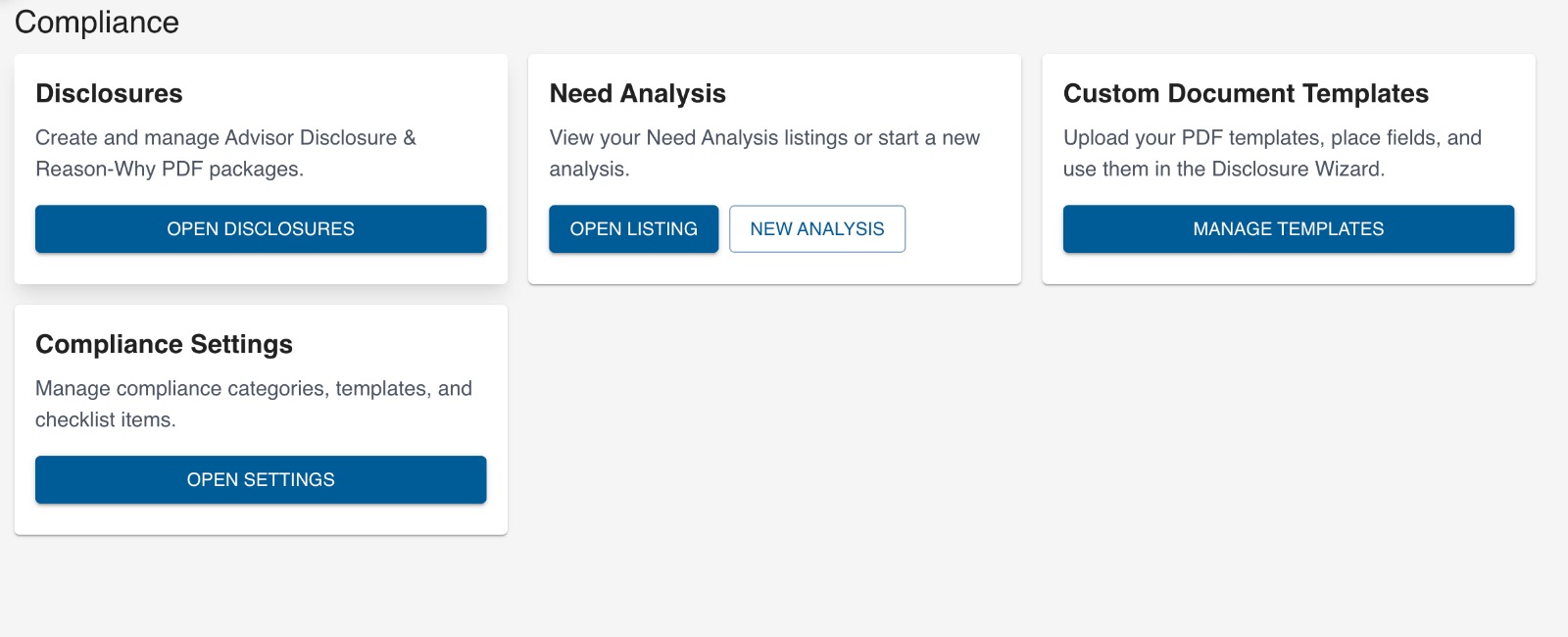
Compliance checkpoints inside the client file
Make compliance a checkpoint (not a memory test). The checklist should appear before binding and at renewal review.
- Consent recorded
- Disclosure acknowledged
- Needs analysis documented
- Recommendation rationale saved
- Documents stored
When to add quote tools
Add quote tools after your CRM workflow is stable. Otherwise you’ll scale chaos.
Add quote tools when…
Your pipeline is consistent, follow-ups happen daily, and renewals are scheduled by default.
Wait if…
Quotes are already being missed or you’re not working “tasks due today” consistently.
FAQ
What do I do during the 14-day trial?
Implement your pipeline stages, import current leads, add templates, and run daily task review. Use the 14-day plan in the Starter Pack.
Can I start without quote tools?
Yes. CRM-first fixes the biggest revenue leaks: follow-up and renewals. Quote tools can be added later.
What should my pipeline stages be?
New Lead → Contacted → Quoted → Follow-Up → Bound → Renewal is a strong default for most agents.
How do I avoid churn after trial?
Use feature-based upgrade prompts tied to usage: active pipelines, sent quotes, automations enabled, and renewals scheduled.